Using ReSync
These guides are for people using the ReSync app — signing in, finding your organization, and reading the walls and words you see on screen.
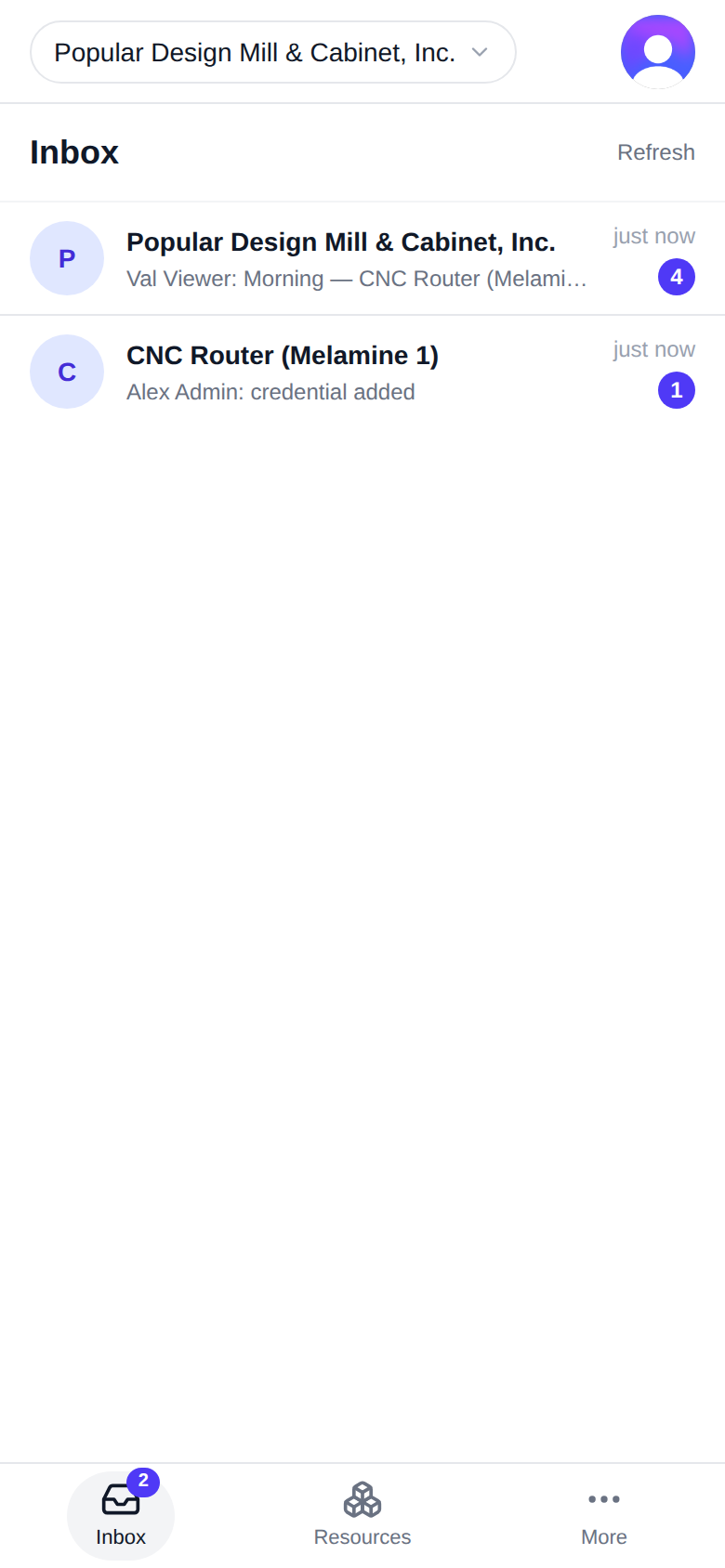
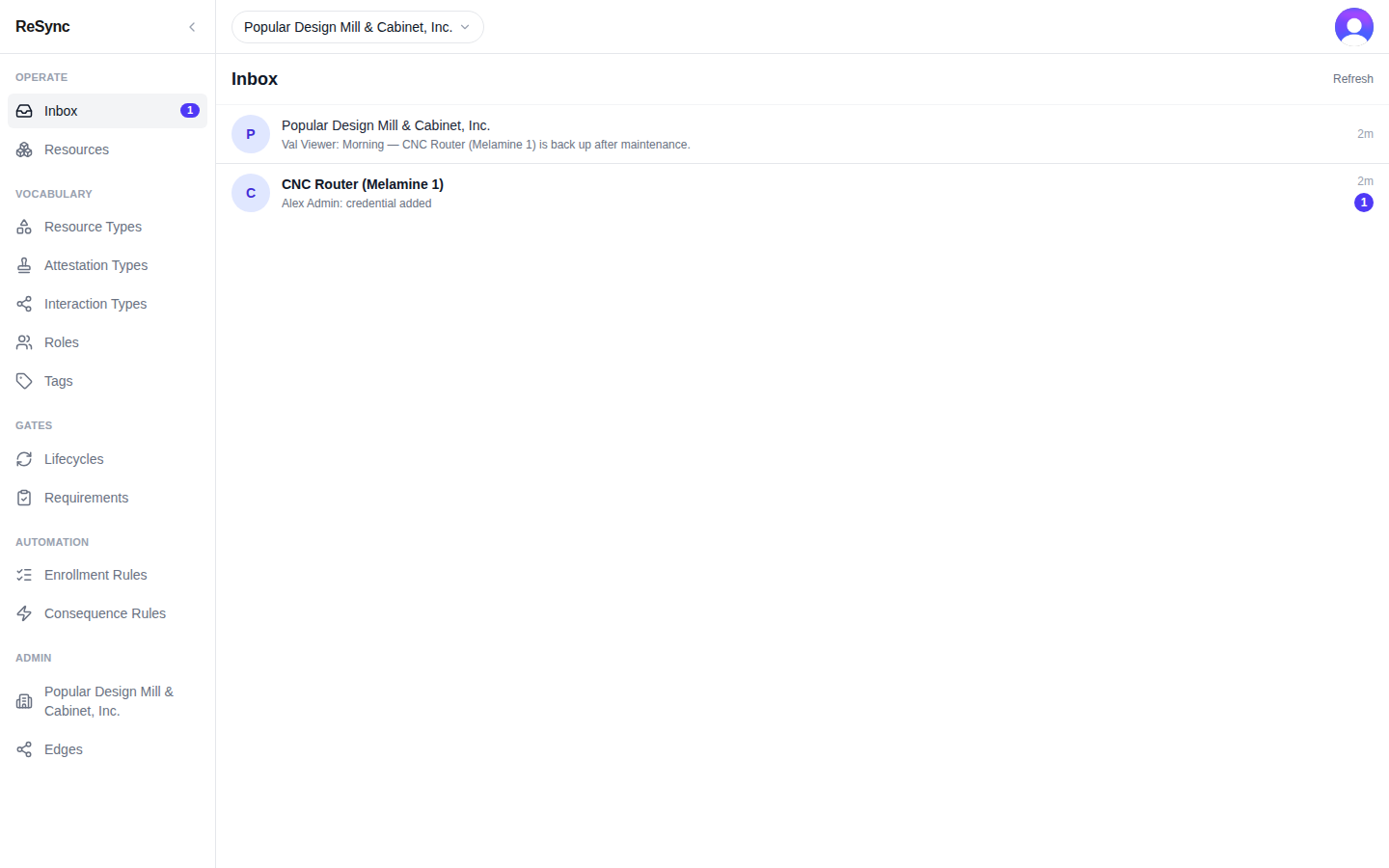
What you'll see: your Inbox, with the bottom bar (Inbox, Resources, More) on a phone, or the rail down the left side on a desktop.
Who these guides are for
You use ReSync at an organization: you sign in, open the things your organization tracks, and record what happens to them. If you are a developer connecting software to ReSync, start with the API reference instead.
Everything in ReSync — a job, a machine, a person, your organization itself — is a resource, and every resource has a wall. A wall is that resource's own page: what it is, what has happened to it, and what you can do with it next.
The guides
- Signing in and finding your org — your first screen, your workspace, and the way to your organization's wall.
- Your organization's wall — its tabs, and the Access tab as a member and as an admin.
- A resource's wall — Operate and Model, each tab, and what a member can and can't do.
- Resource types — the Resource Types list, its groups, and what a type carries.
- Concepts — the words you see on screen, and the word the API uses where it differs.
Building on ReSync
Developers connecting software to ReSync start at the API reference.